Overview
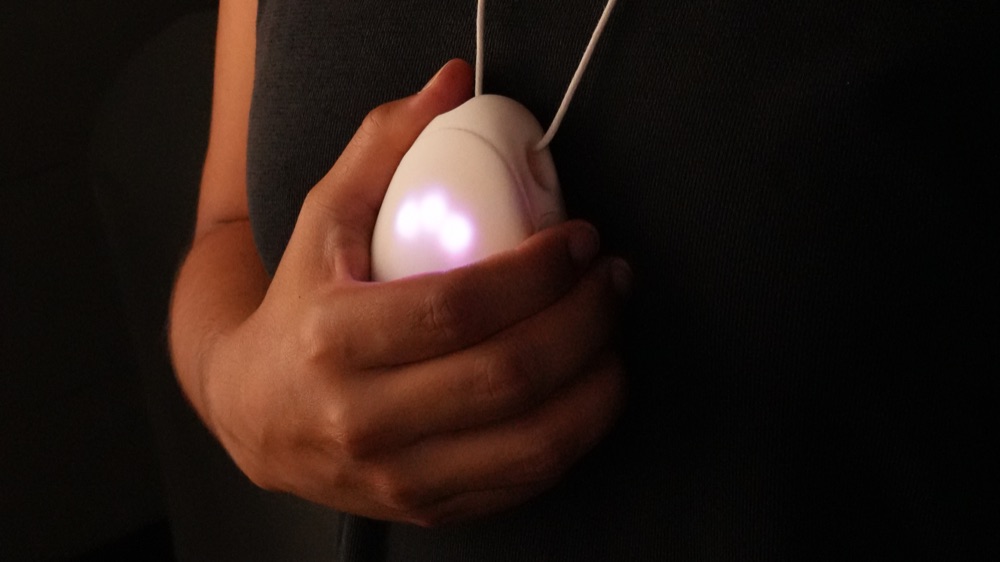
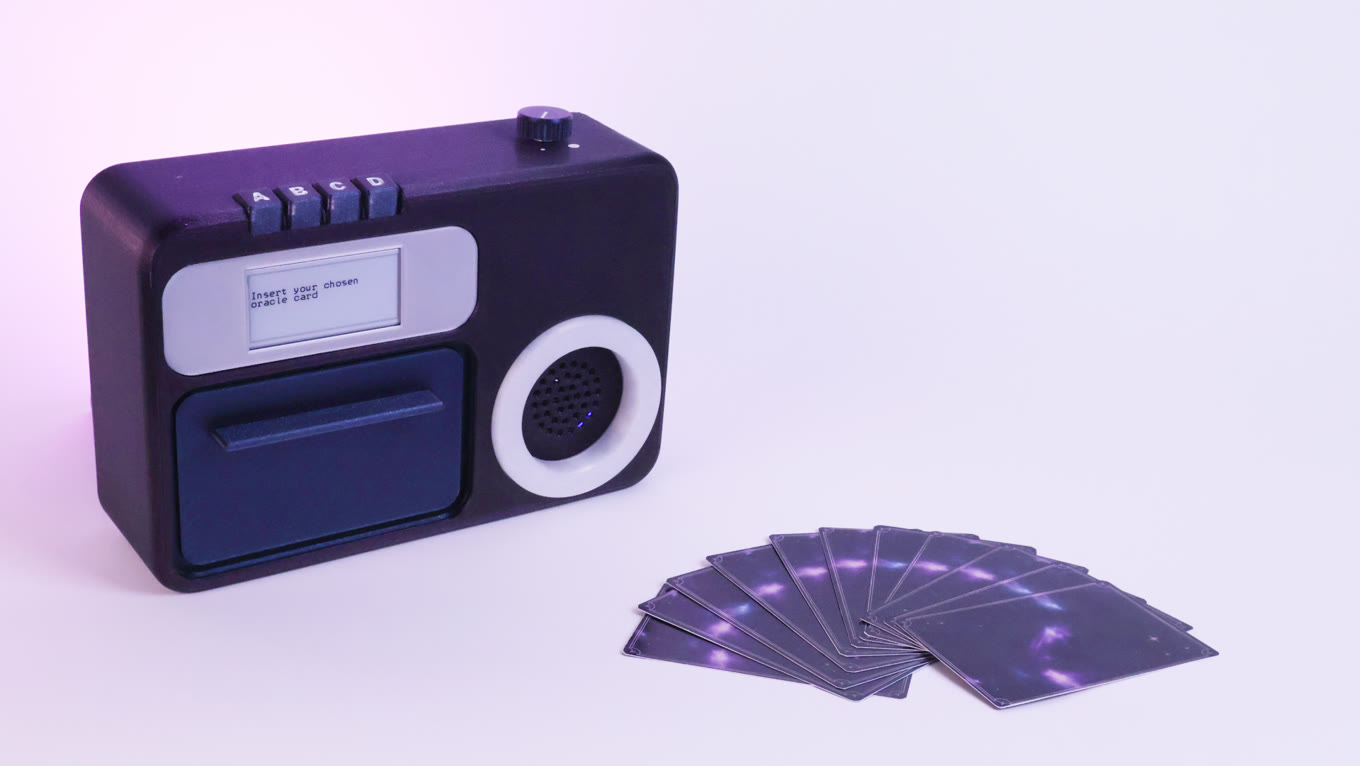
Inspired by the retro cassette player, Auracle turns a chosen oracle card and a moment of self-reflection into a song of the day.
1The object and the ritual
An augmented daily ritual
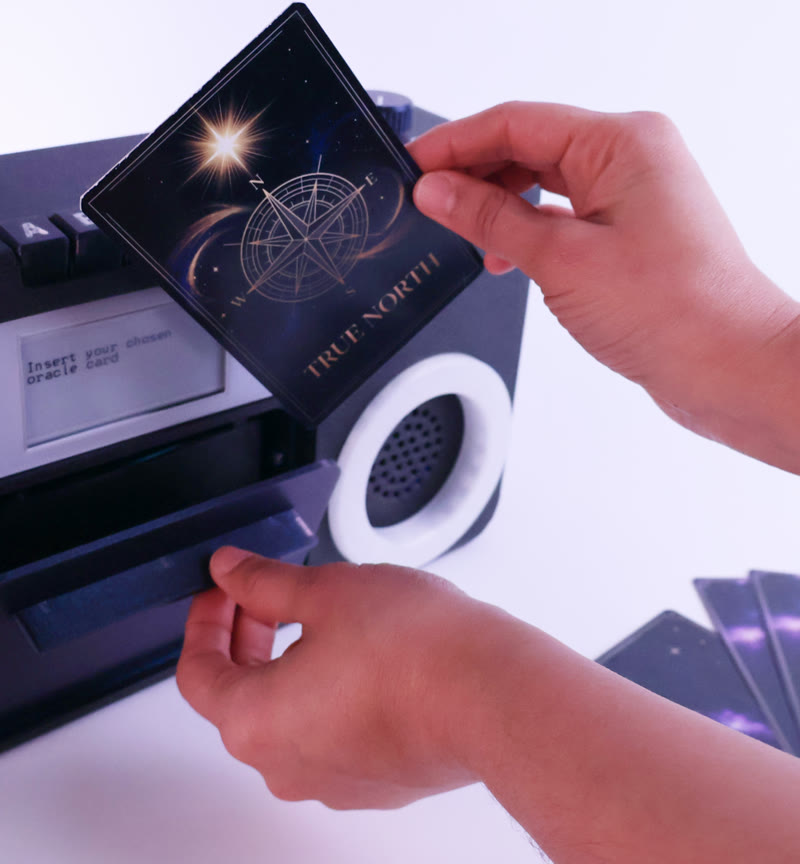
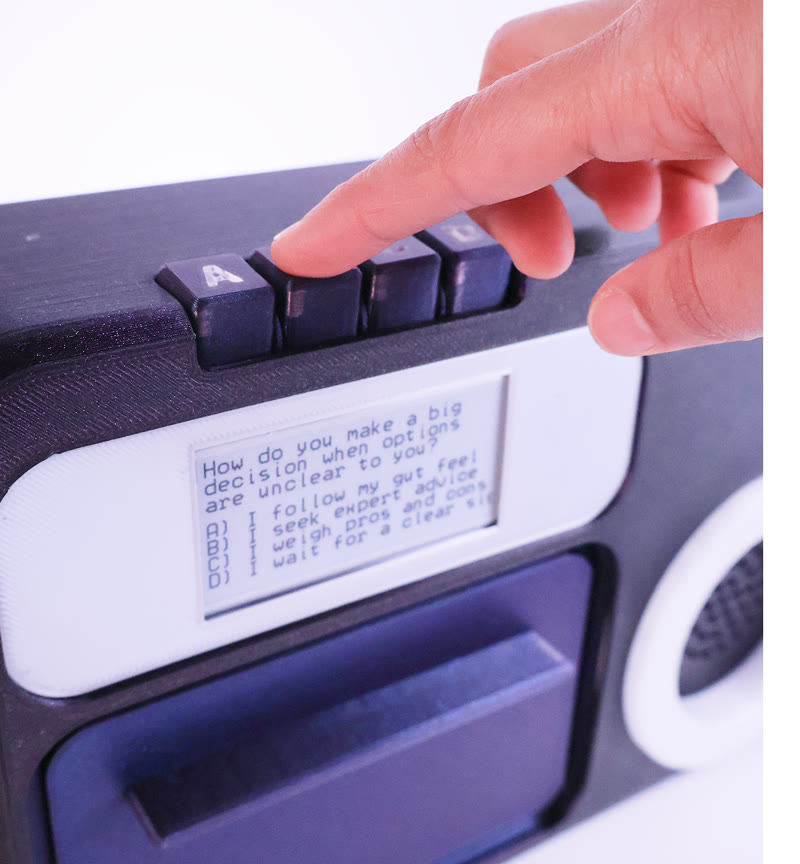
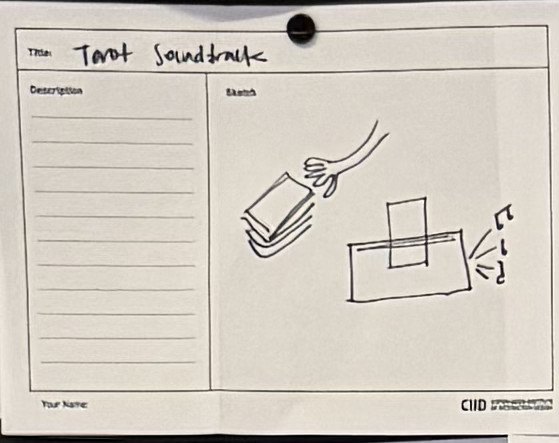
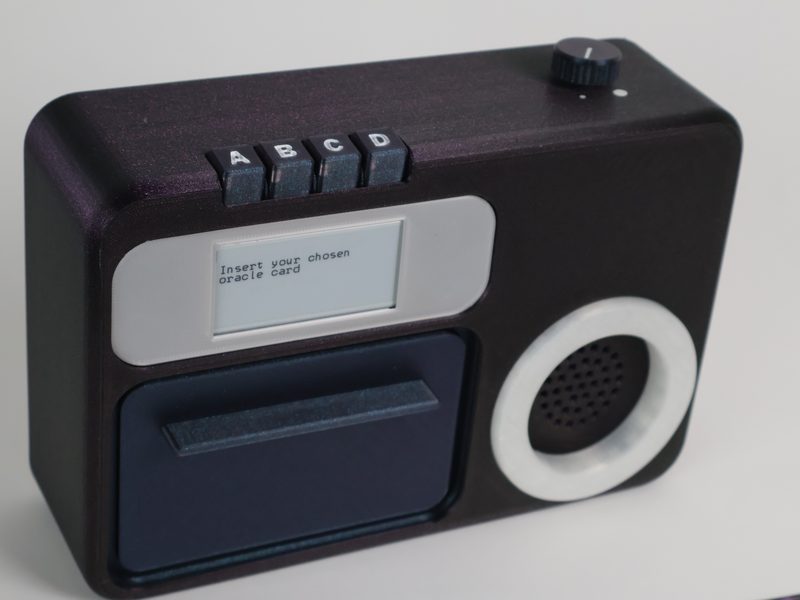
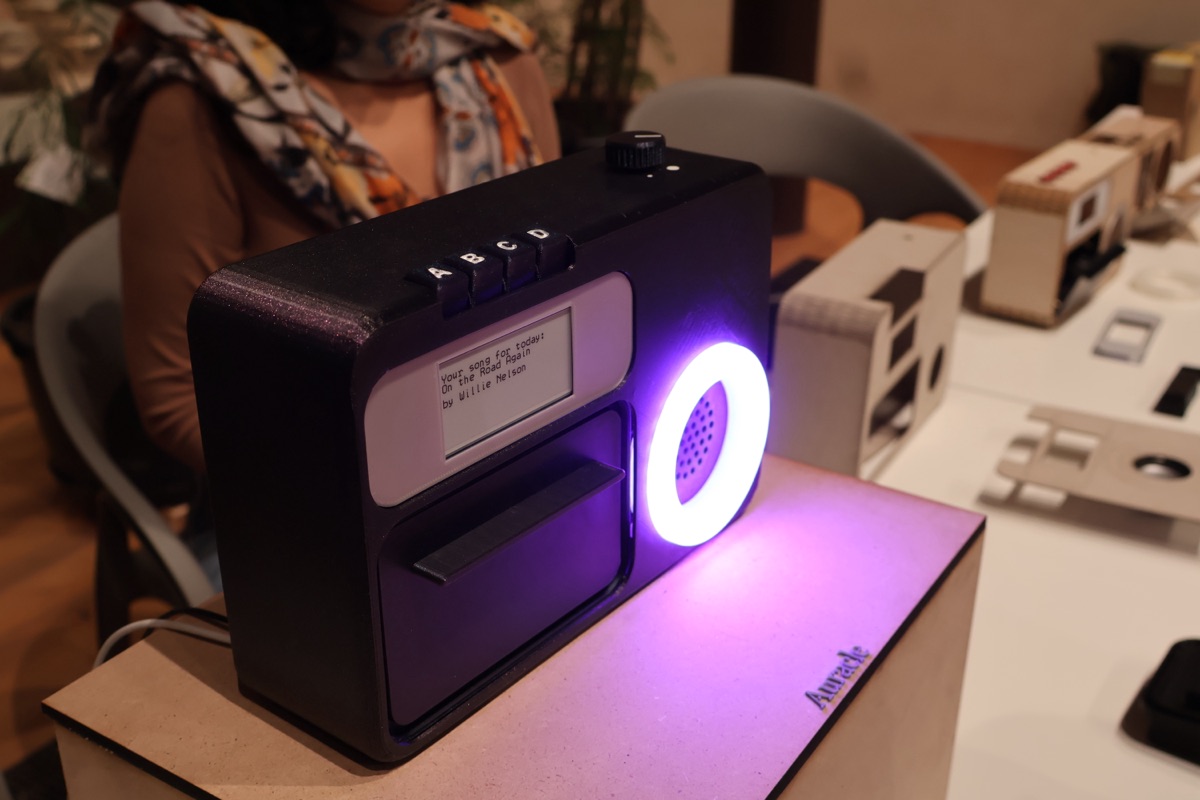
Pick a card from the deck, letting your intuition guide you. Each one carries a meaning, like freedom, inner power or release. Slide it into the cassette compartment and close the door. Auracle reads the card and asks you a reflective question about its meaning on the e-ink screen. Answer with the buttons, and Auracle picks your song of the day and plays it.
2Where it started
AI you can touch
First, computers had a limited interface of command lines. Then, with the advent of graphical interfaces that we could point at and touch, computers opened up to everyone. Now AI has us back typing commands into a chat interface. So for this brief, we were asked to explore AI in a tangible user interface, beyond the chat window, in an exploratory, provocative way.
Oracle in the age of AI
We started by asking ourselves what AI does uniquely well: prediction (after all, an LLM is at its core a prediction machine). Then we looked for an analog counterpart to play with, landing on oracle cards, one of the oldest ways people try to predict.
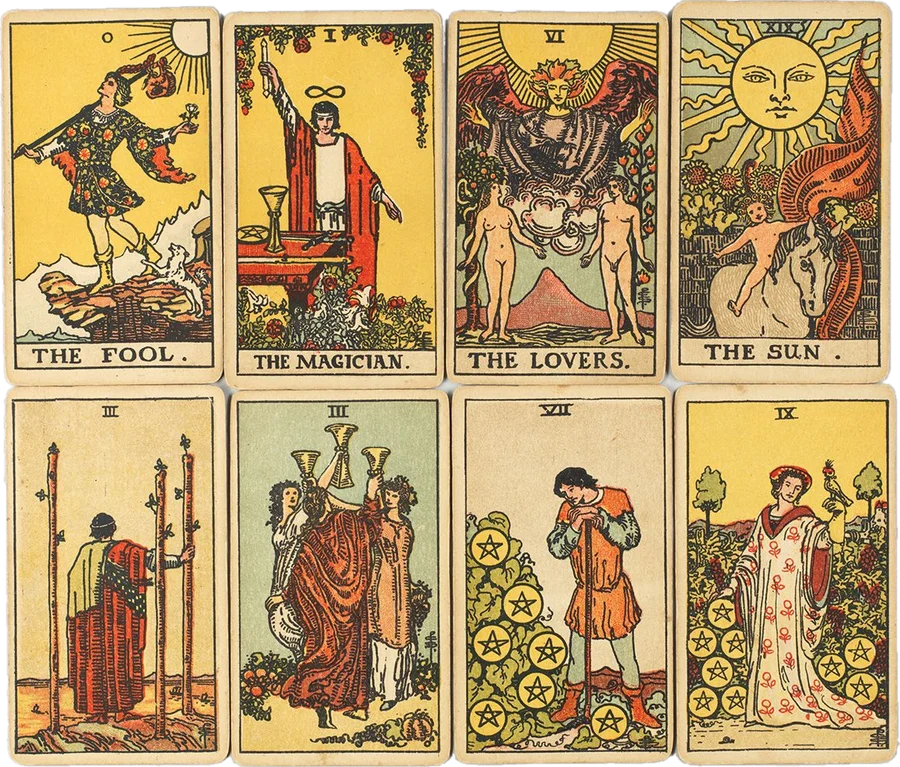
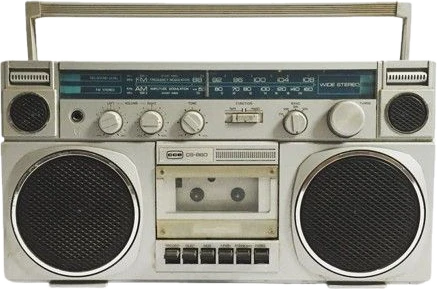
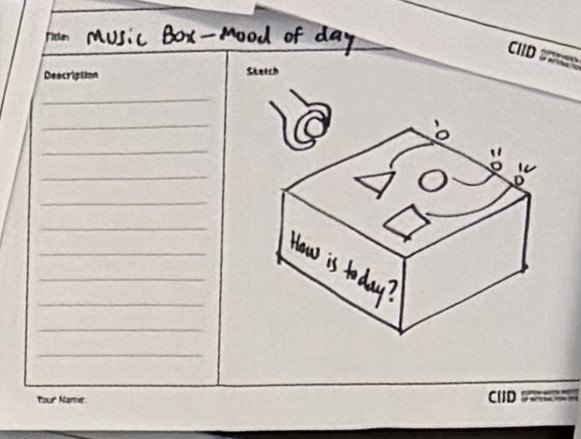
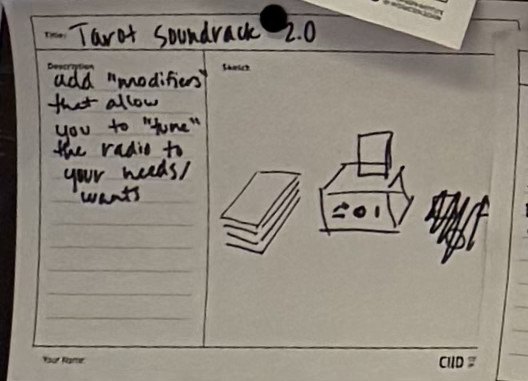
An oracle reading leaves room for interpretation, and so does music, which can set a mood instead of telling you what to do. So the AI replies with music. In exploring musical devices for inspiration, the cassette player felt like a perfect match: the oracle card replaces the cassette. More than just a “put a card, get a song” interaction, we wanted to invite the user to stop and reflect. So before it picks a song, it asks you a question about the card’s meaning, and uses your reflection to influence the song choice.
3How it works
How Auracle chooses a song
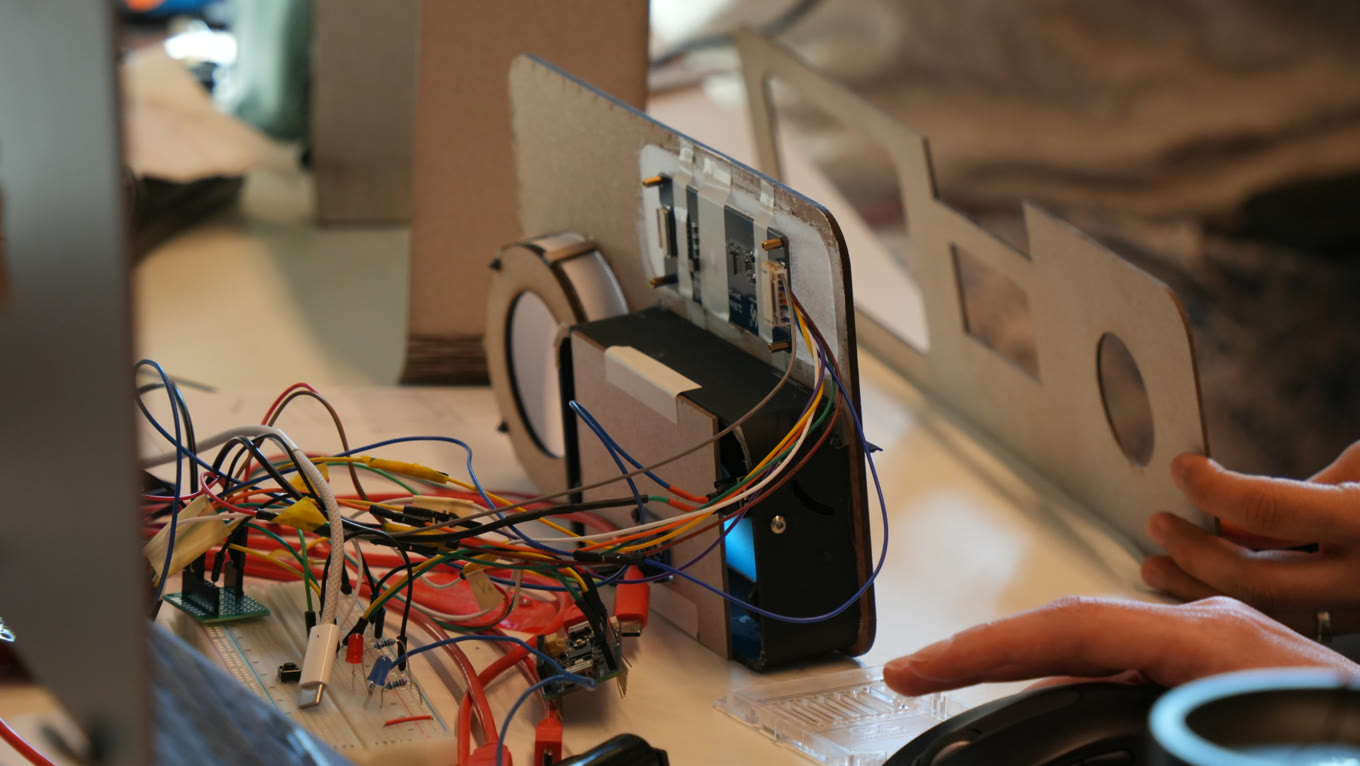
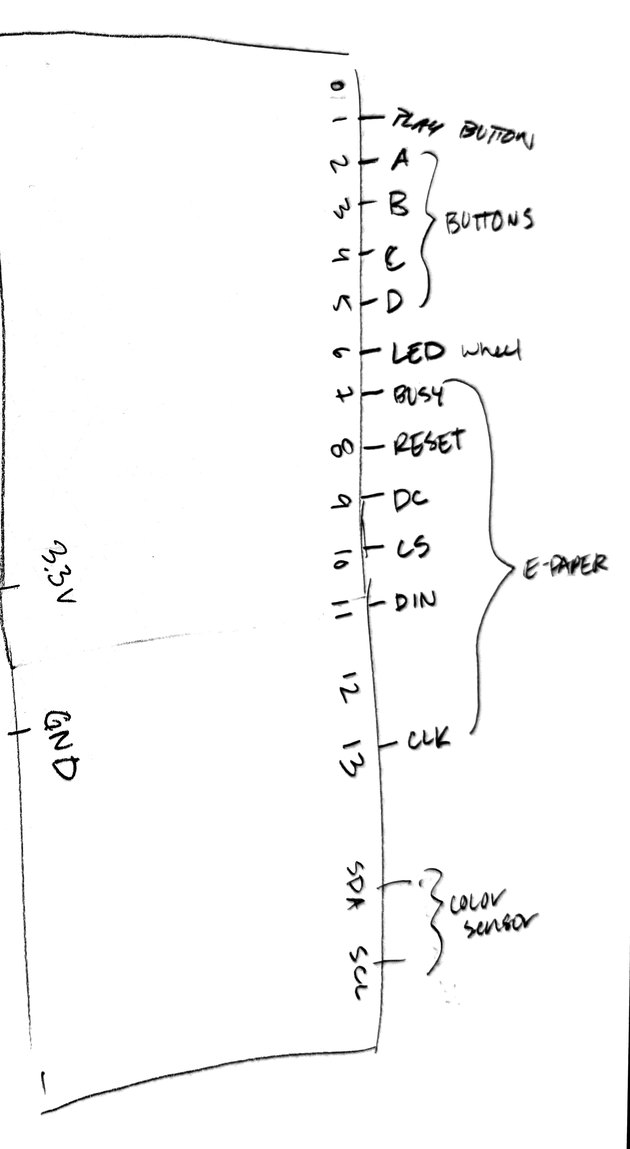
Auracle runs on the Arduino Uno Q, a board so new that parts of it weren’t supported yet. It’s two brains in one board, a Linux microprocessor and an Arduino microcontroller, and I programmed both. The Linux side handles the Gemini calls and the logic, and the Arduino side handles the sensors.
Everything ran live, from card to song:
- When the cassette door closes (indicated by a microswitch), an RFID reader reads the card.
- Each card maps to a meaning, which goes into a strict prompt for Gemini: expand on the meaning, then write a multiple-choice question short enough to fit on the e-ink screen.
- You answer with the buttons.
- Gemini picks a song based on your answer, the Deezer API retrieves the audio, and it plays.
Supermoderno featured our project on its YouTube channel, where I explain in depth how it all works:
Light that fills the wait
E-ink takes a while to update, so the NeoPixel ring gives the instant feedback. It flashes when the door closes, so you know your card was received. It spins while Auracle is thinking, goes solid when the question appears, spins again while it finds your song, and pulses while the music plays.
Learning through making
- How to sense the cards. We started with a color sensor and colored cards, but it was really unreliable and needed constant calibration as the light changed. We even tried adding an LED to help keep light more consistent. Then we thought, why are we making this so much harder than it needs to be? RFID would let us design the cards any way we wanted without having to consider colors and orientation of the card’s entry.
- Working with new tech has some hiccups. The Uno Q didn’t support NeoPixels yet, and we’d run out of pins anyway, so I added an Uno R4 to run the light ring and had the two boards talk to each other.
- There’s always a hacky workaround. We hoped to reach the speaker over the Uno Q’s Bluetooth, but its sandbox blocked it. So I hacked the speaker apart, ran an aux line, and switched it on with an optocoupler, so the code does the button press.
4Rapid prototyping
Making it feel simple
The first question was how a user could answer a reflective question posed by the device. Our very first prototypes tried a slider, a knob and other inputs. But a slider or knob only answers on a scale, more or less of one thing, and self-reflection doesn’t fit well in one dimension. Buttons for a classic multiple choice let each answer be a different quality.
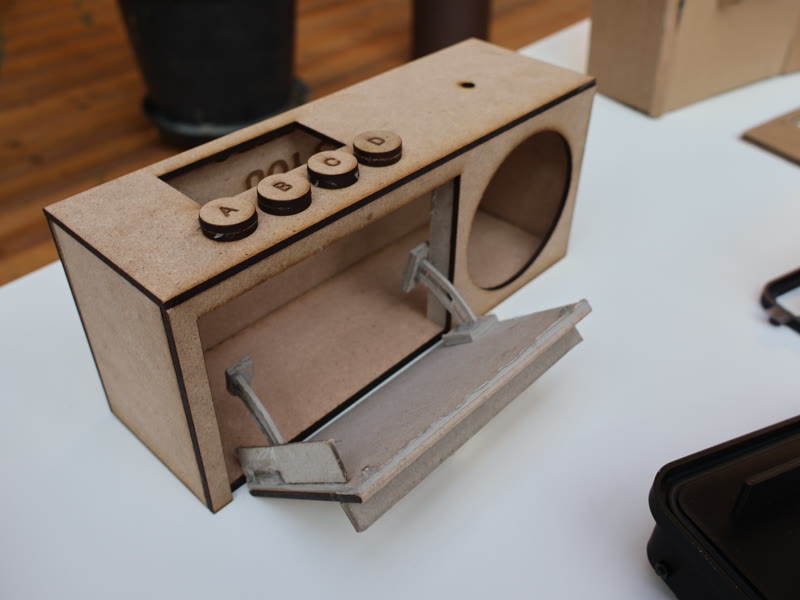
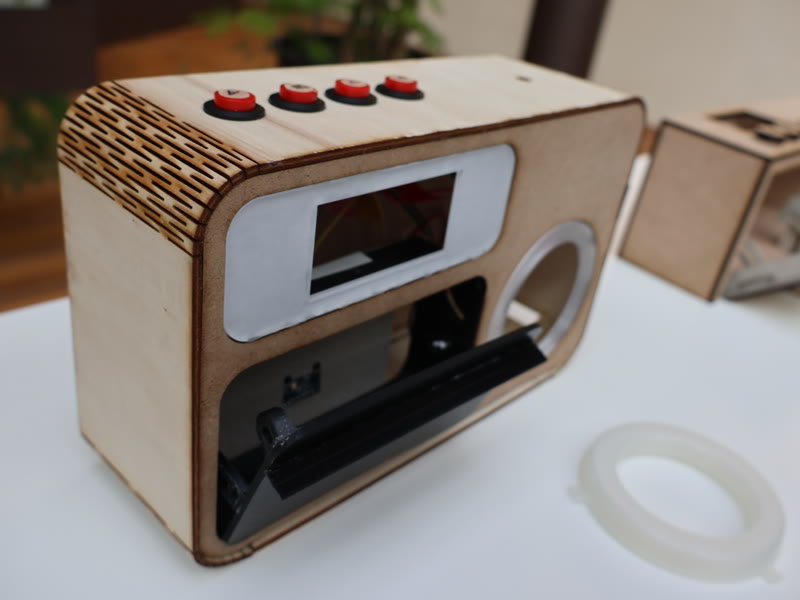
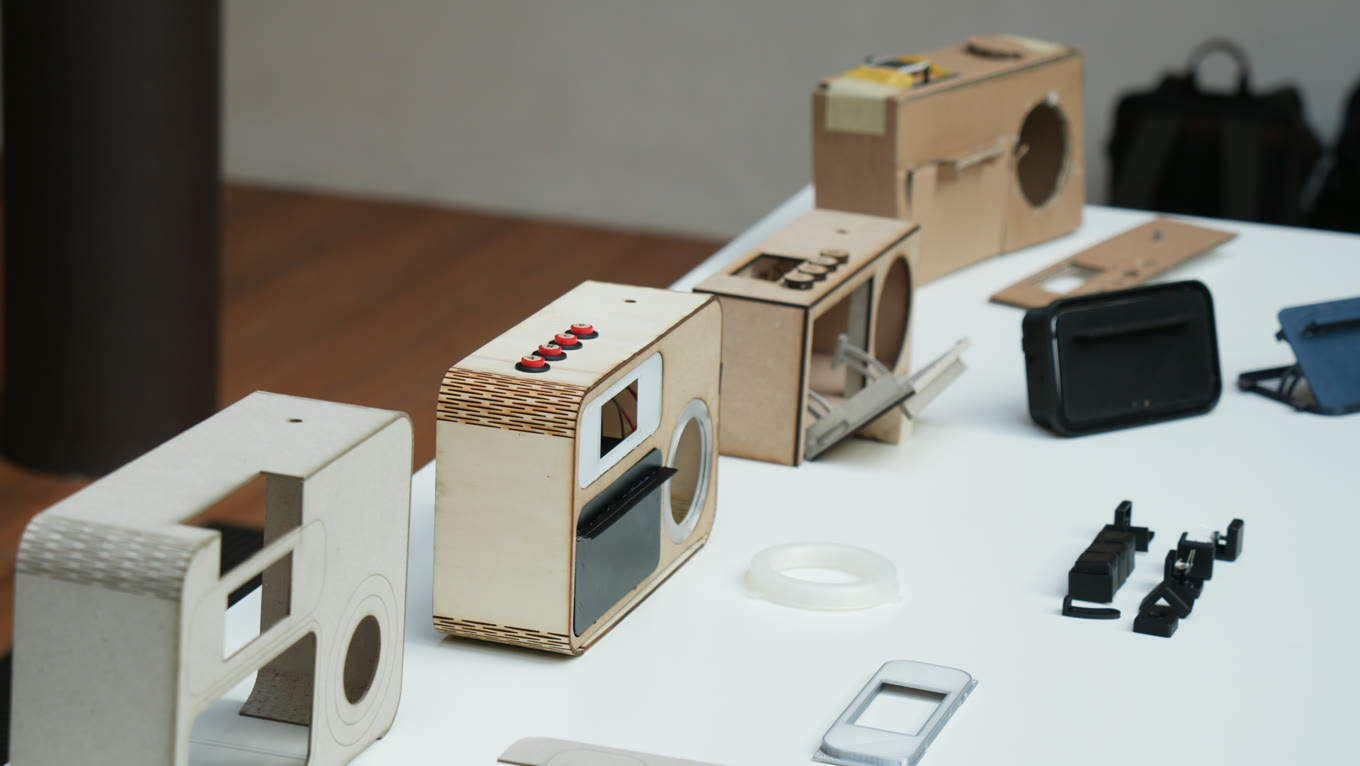
At first, we placed the screen and buttons on top. But it felt weird to put the card in the front and then look down at the top to interact with it. So we moved the screen to the front, next to the card. But then the buttons on top no longer seemed related to what was happening on the screen. In the end we pulled the buttons to the top edge, right beside the screen, so it’s clear they go together.
5Who tried it
Auracle, in public
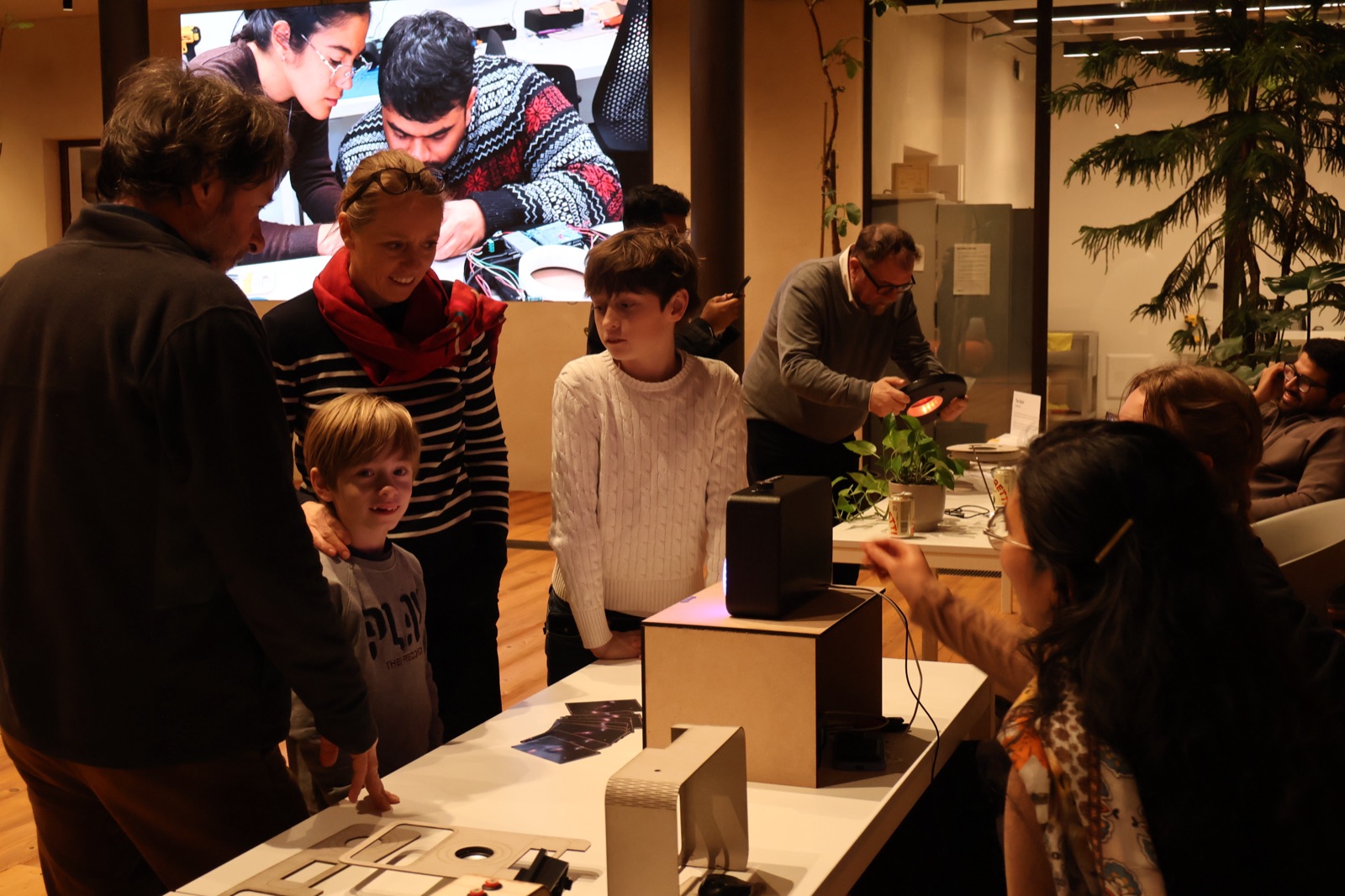
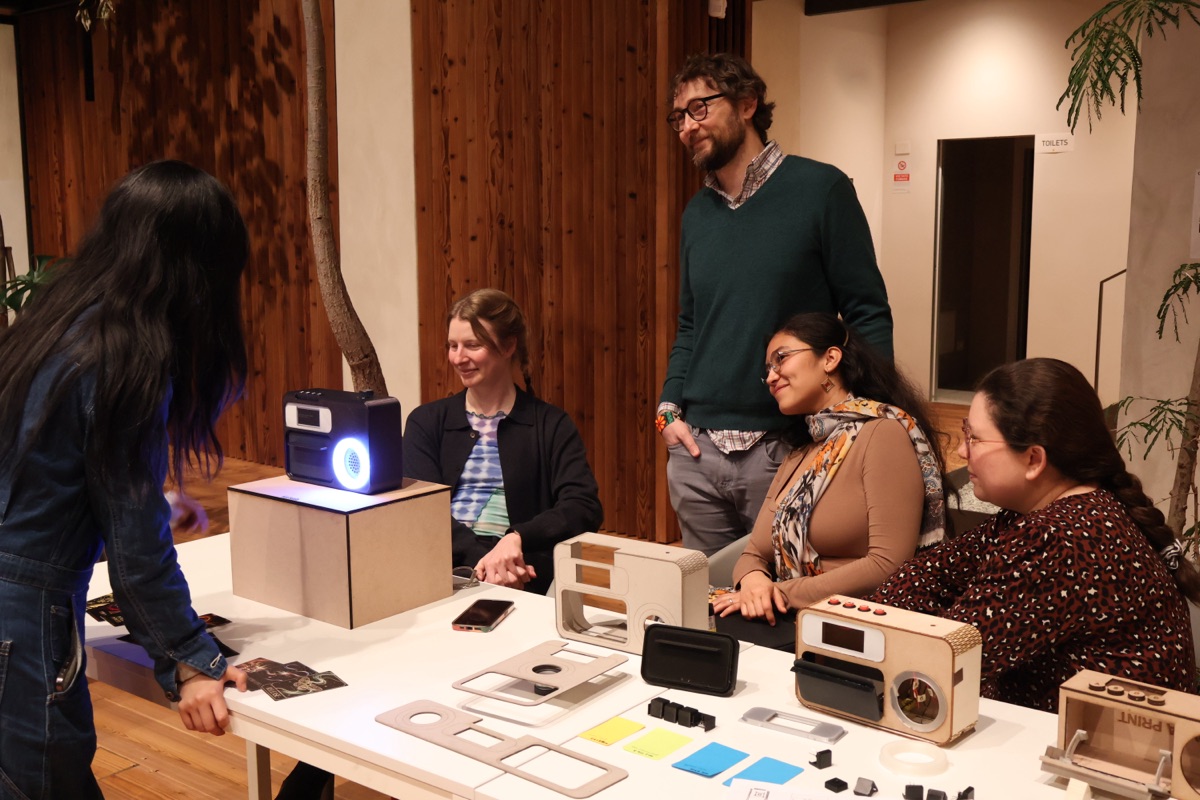
Lots of people tried it: our classmates, Massimo and Jose, the public at our Tangible User Interfaces showcase, and visitors at Fuorissimo Salone, CIID’s event during Milan Design Week. We’d always call someone up from the audience, and at the showcase people just came through and gave it a go.
At the showcases, people always seemed a little worried there was a right way to put the card in. We were kind of delighted to tell them no, there’s no wrong way to do it. You just put the card in.
6What I learned and what’s next
What I learned
Building with bleeding-edge tech means building workarounds. The Uno Q was so new (and still being developed) that lots of things that “should work” just didn’t, like NeoPixels and Bluetooth. So we filled the gaps with what was tried-and-true. (The Arduino team even came to interview us about our experience with the board!)
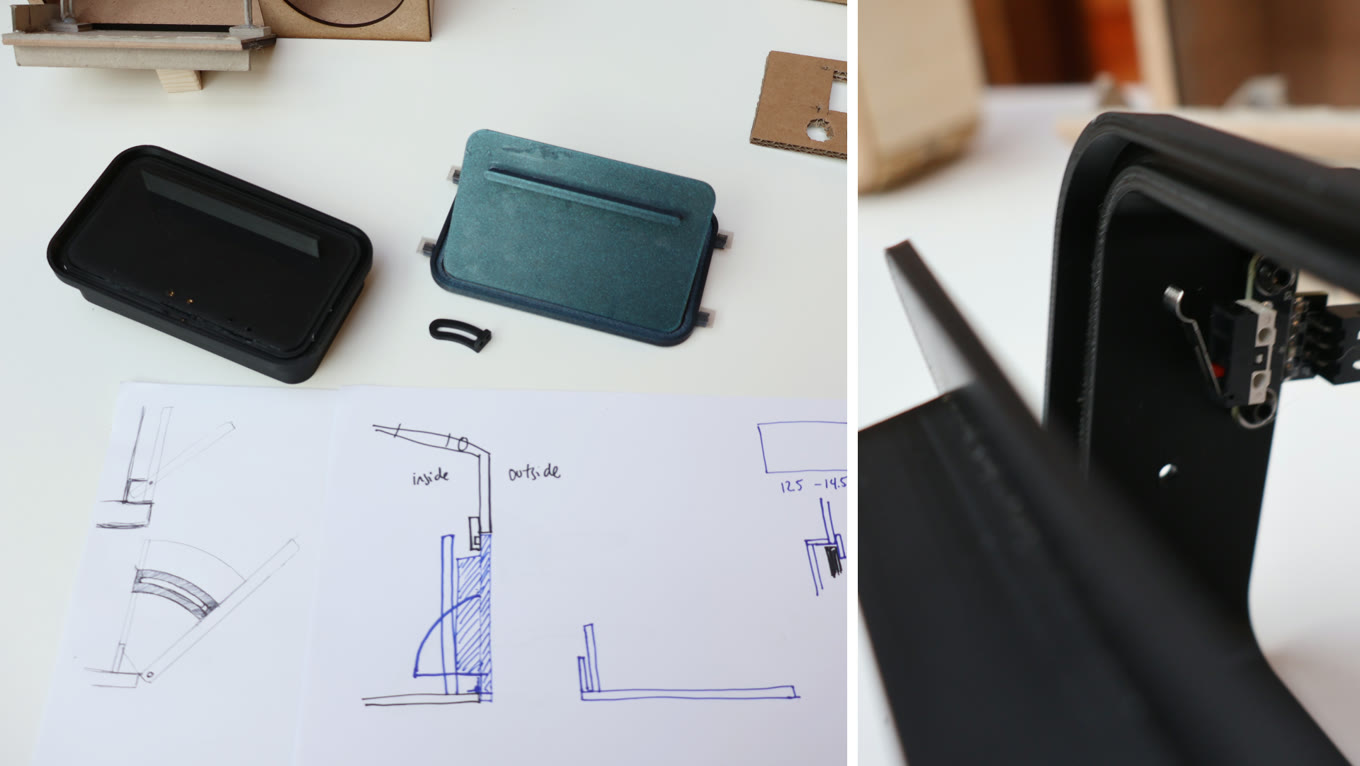
Making something seem simple is not simple. It takes obsessive attention to detail. The cassette door mechanism alone went through so many iterations (credit to my teammates, Diana and Cass) before it felt right.
Finding immediate feedback amid delays. We had to contend with two delays: the e-ink screen is slow to update, and the back and forth with Gemini takes time. The lights became the immediate feedback, so you know Auracle is responding in real time.
What’s next
I’d want to see how it works as part of someone’s actual morning ritual, over a longer stretch of time. I’d also give the questions a memory. Right now each question is based only on the card. If Auracle knew what you’d been asked and what you’d said before, the same card could explore something new, and the questions could get richer the more you use it.